

Air Actions, wherever.
Map S Pen clicks and Air Actions to your favourite actions, even in apps that don't provide their own Air Action support. Control media, navigate, or run your own touch sequence.
Features
Make every gesture useful
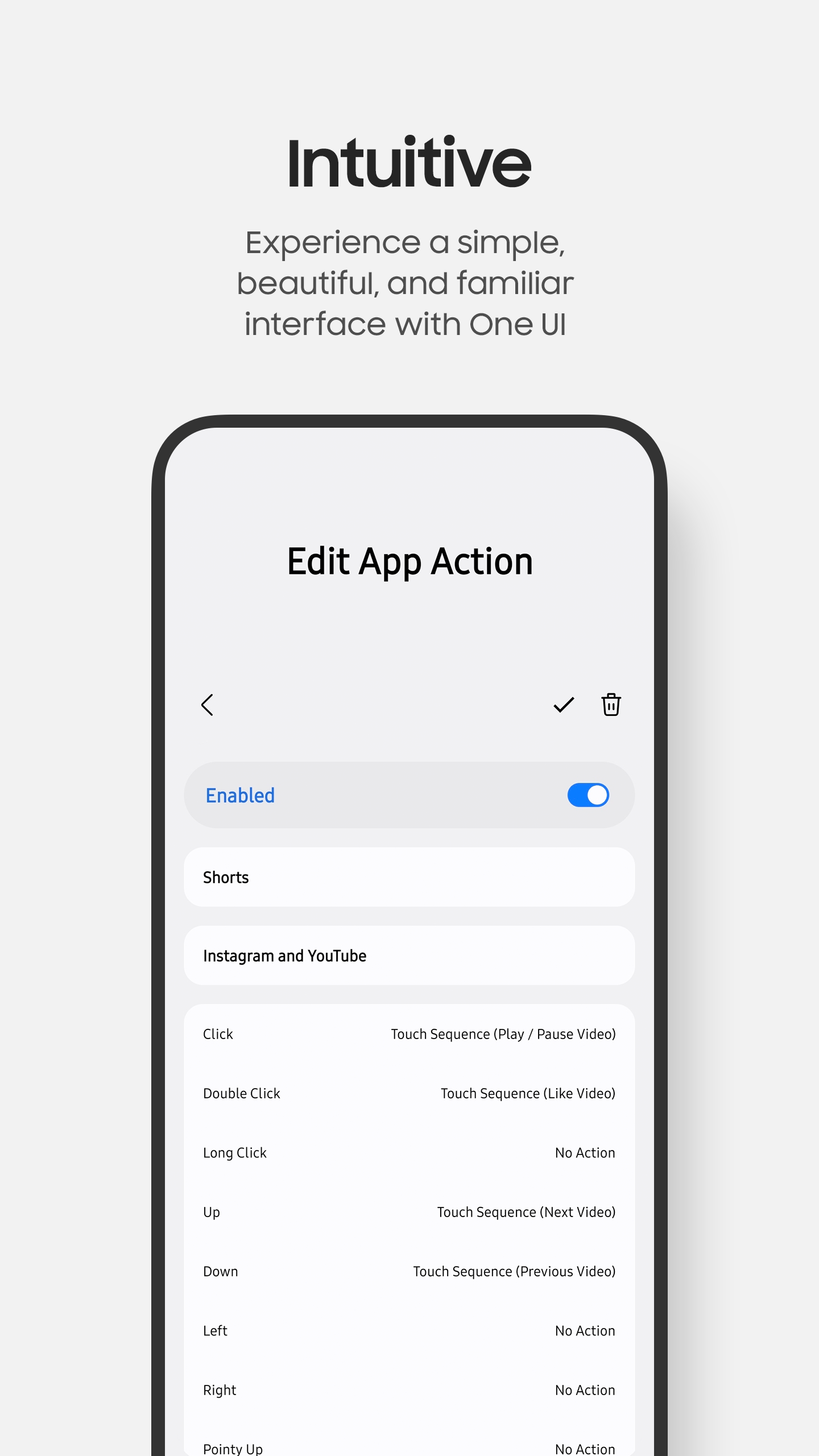
Assign actions to clicks, double clicks, long clicks, directional gestures, pointy gestures, circles, and shake.
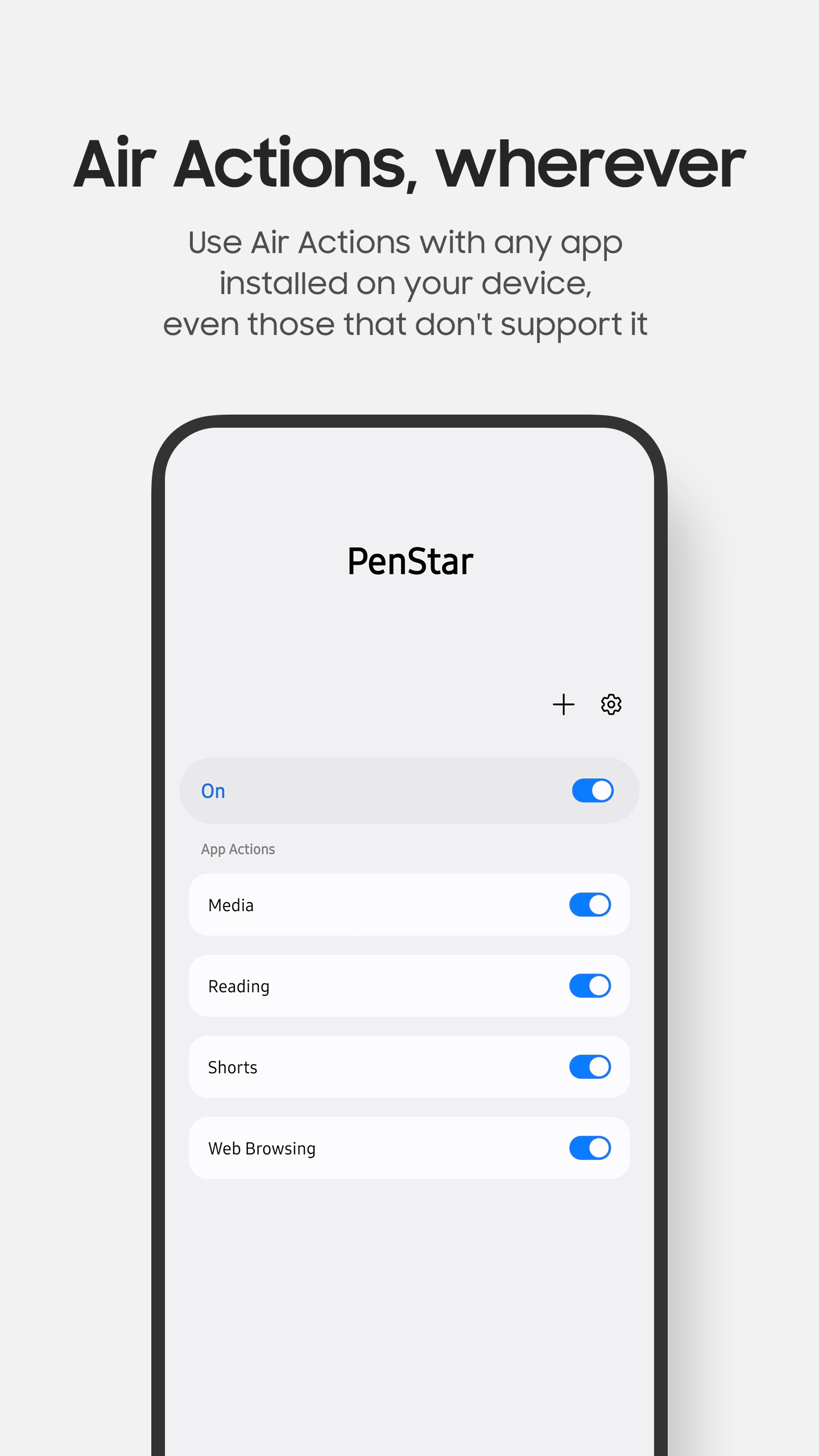
Air Actions for all apps
Use your S Pen to control apps even when their developers haven't implemented Air Actions.
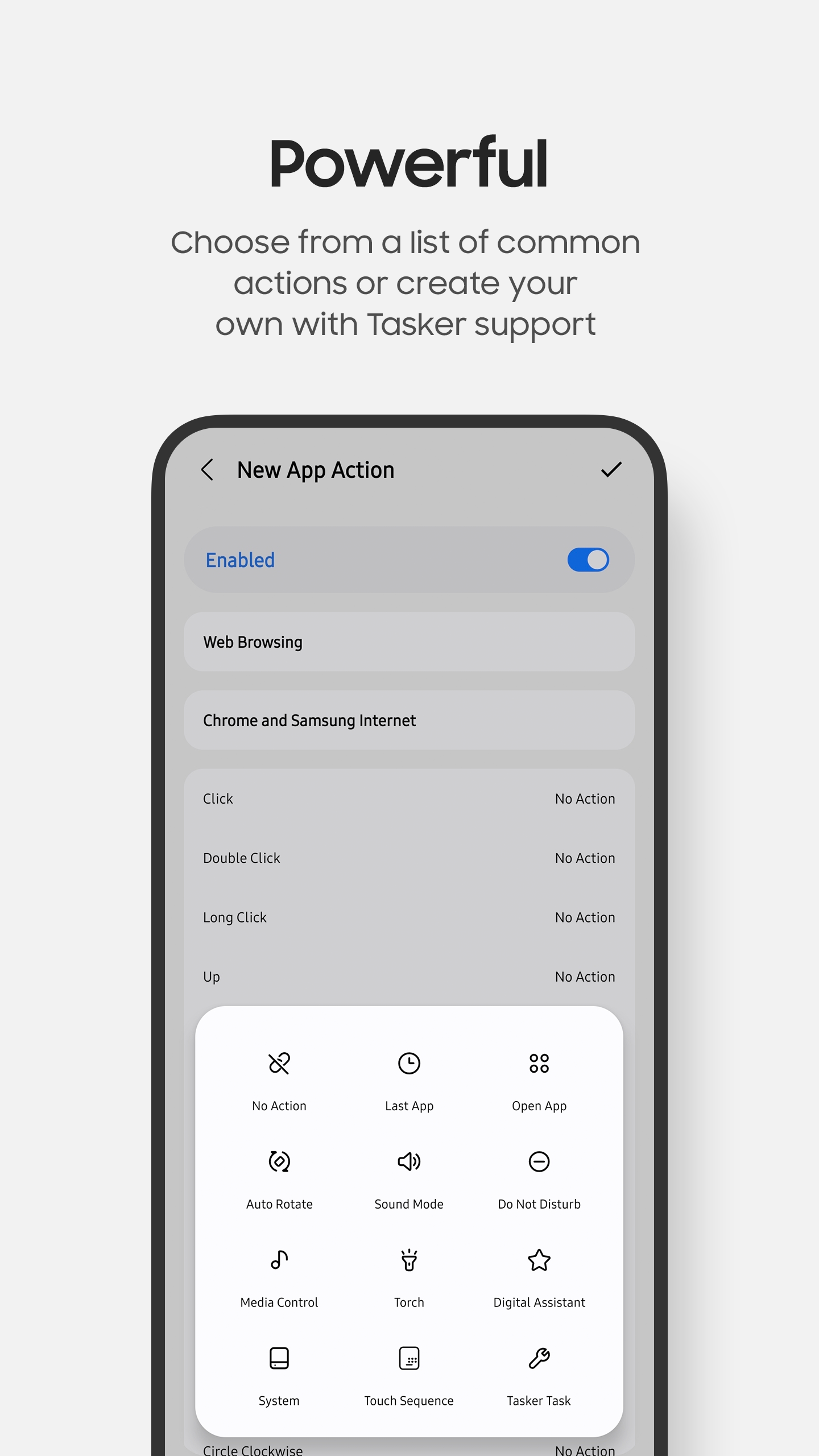
Dozens of built-in actions
Open apps, manage media playback, change system settings, launch digital assistants, perform system actions, and more.
Customised actions
Create your own touch sequences, run custom Tasker tasks, or invoke Android intents.
Create multiple App Actions
Create App Actions, which are a set of actions for the buttons and gestures you choose for a collection of apps.
Backup and restore
Share individual App Actions with others or backup your entire configuration for safekeeping.
Compatibility
| Android | Android 8.1 or later. Available features can vary by Android version. |
|---|---|
| Hardware | A Samsung device with Bluetooth S Pen support is required. |
| Permissions | Notifications, Read Logs, and Accessibility are required. Other permissions are optional and requested when using specific features. |
| License | All features and up to two App Actions are free. More than two App Actions require a one-time purchase. |
Screenshots
Support
Find setup instructions, frequently asked questions, and troubleshooting tips.