

Buttons, reimagined.
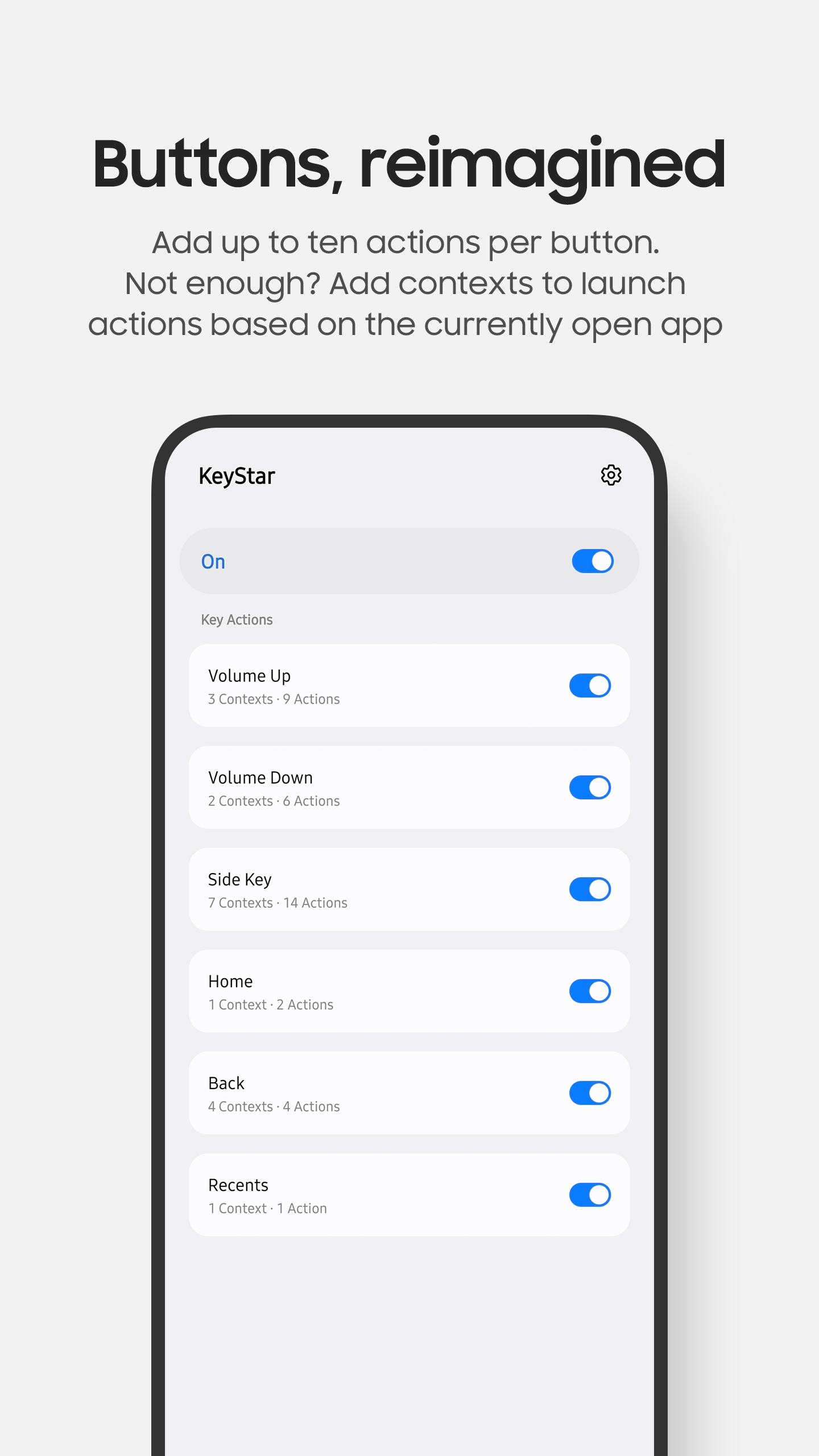
Map your Android device's buttons to the things you do every day. Control music, open apps, run Tasker tasks, and build shortcuts that change with the app you're using.
Features
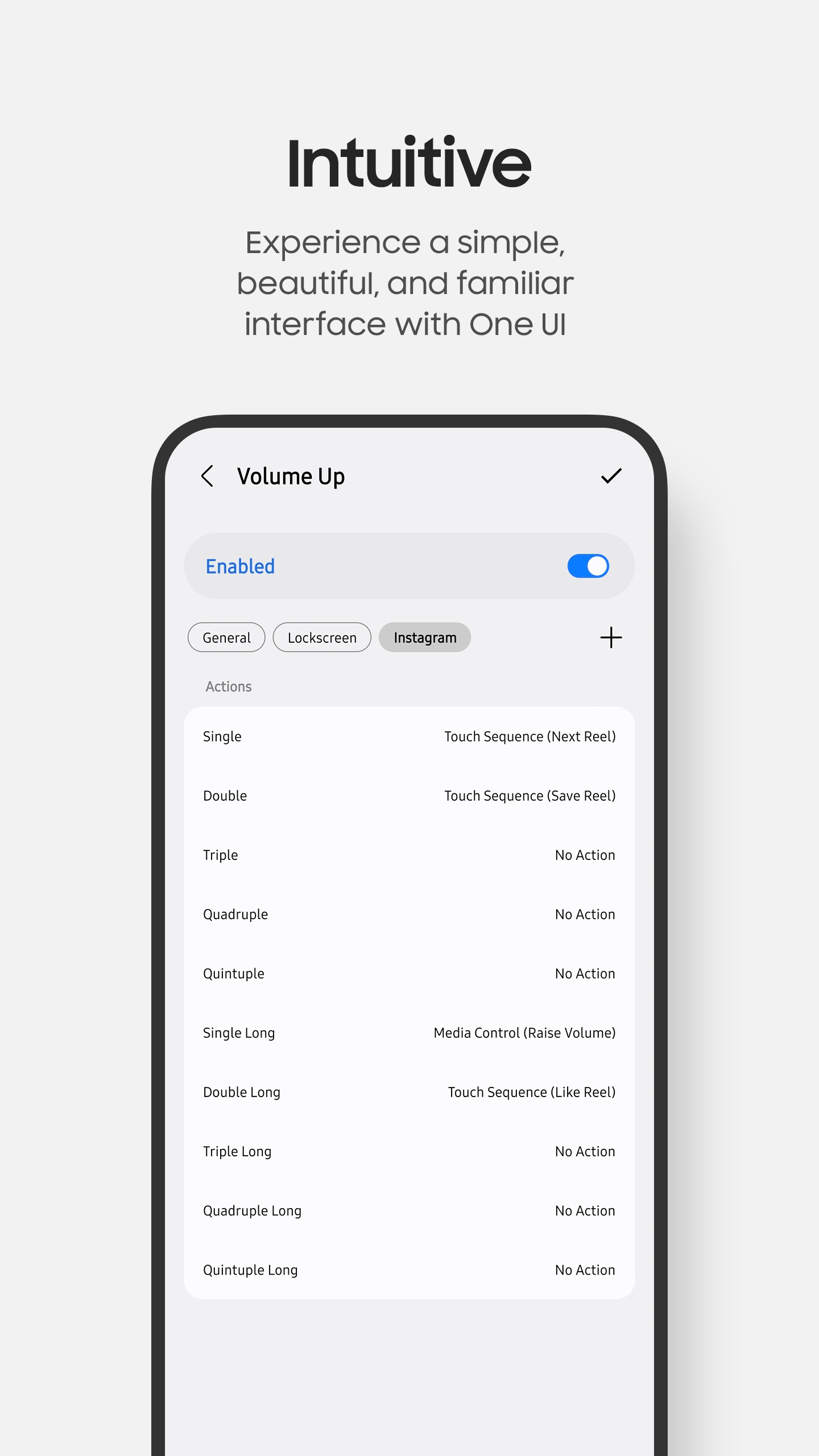
Ten ways to press
Single through quintuple presses, plus a long-press version of each.
Shortcuts for each app
Use contexts to give the same button different actions in individual apps and on the lock screen.
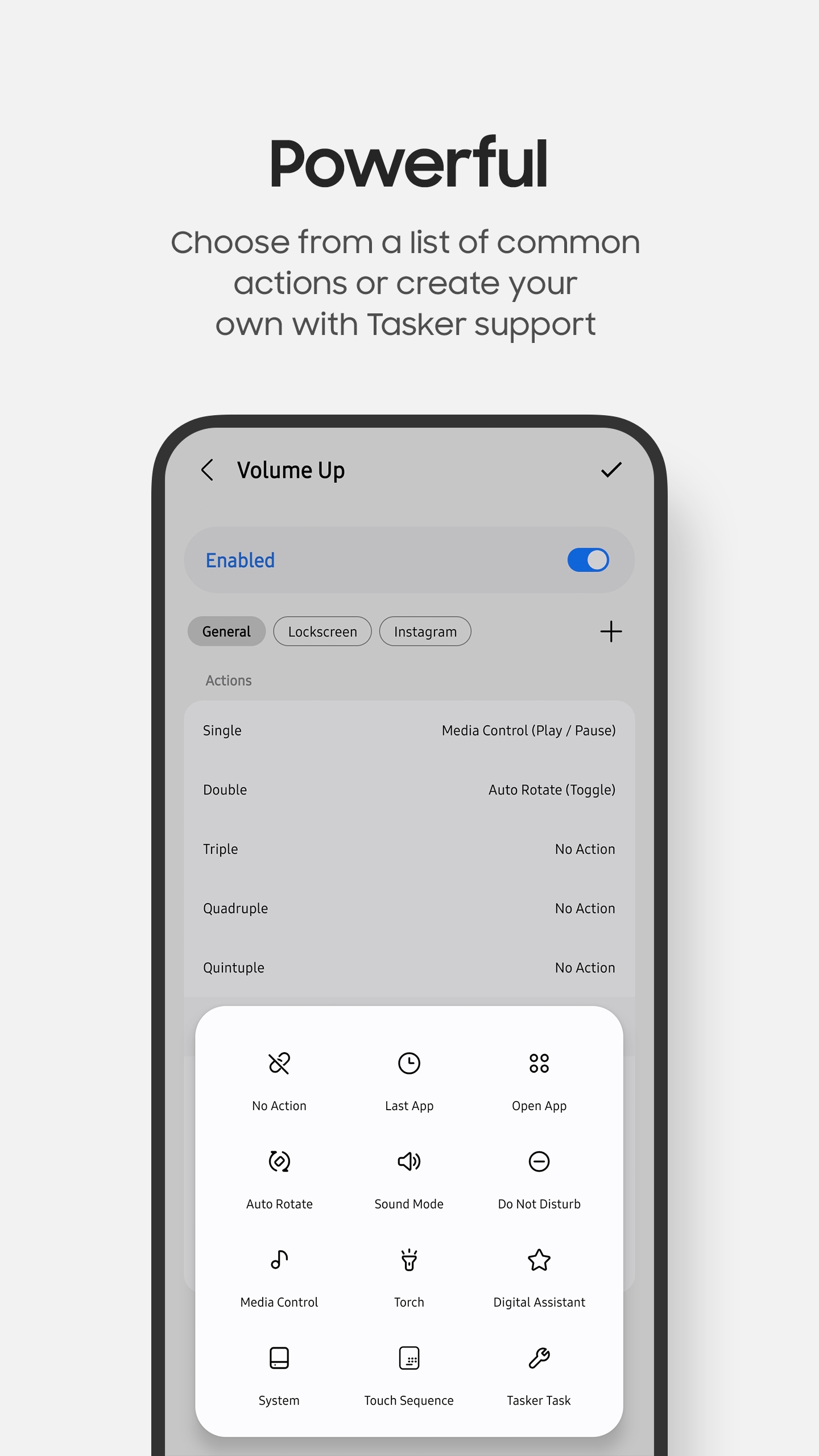
Dozens of built-in actions
Open apps, manage media playback, change system settings, launch digital assistants, perform system actions, and more.
Customised actions
Create your own touch sequences, run custom Tasker tasks, or invoke Android intents.
Keep familiar controls
Exclude apps such as Camera and Clock so their volume-button controls continue to work normally.
Fine-tune everything
Adjust standard and long press delays, haptic feedback, volume adjustment speed, and more.
Compatibility
| Android | Android 8 or later. Available features can vary by Android version. |
|---|---|
| Hardware | If it runs Android, it will run KeyStar. |
| Permissions | Notifications and Read Logs are required. Other permissions are optional and requested when using specific features. |
| License | Volume button mapping is free. Power and navigation button mapping require a one-time purchase. |
Screenshots
Support
Find setup instructions, frequently asked questions, and troubleshooting tips.