ThreeStars Apps

KeyStar
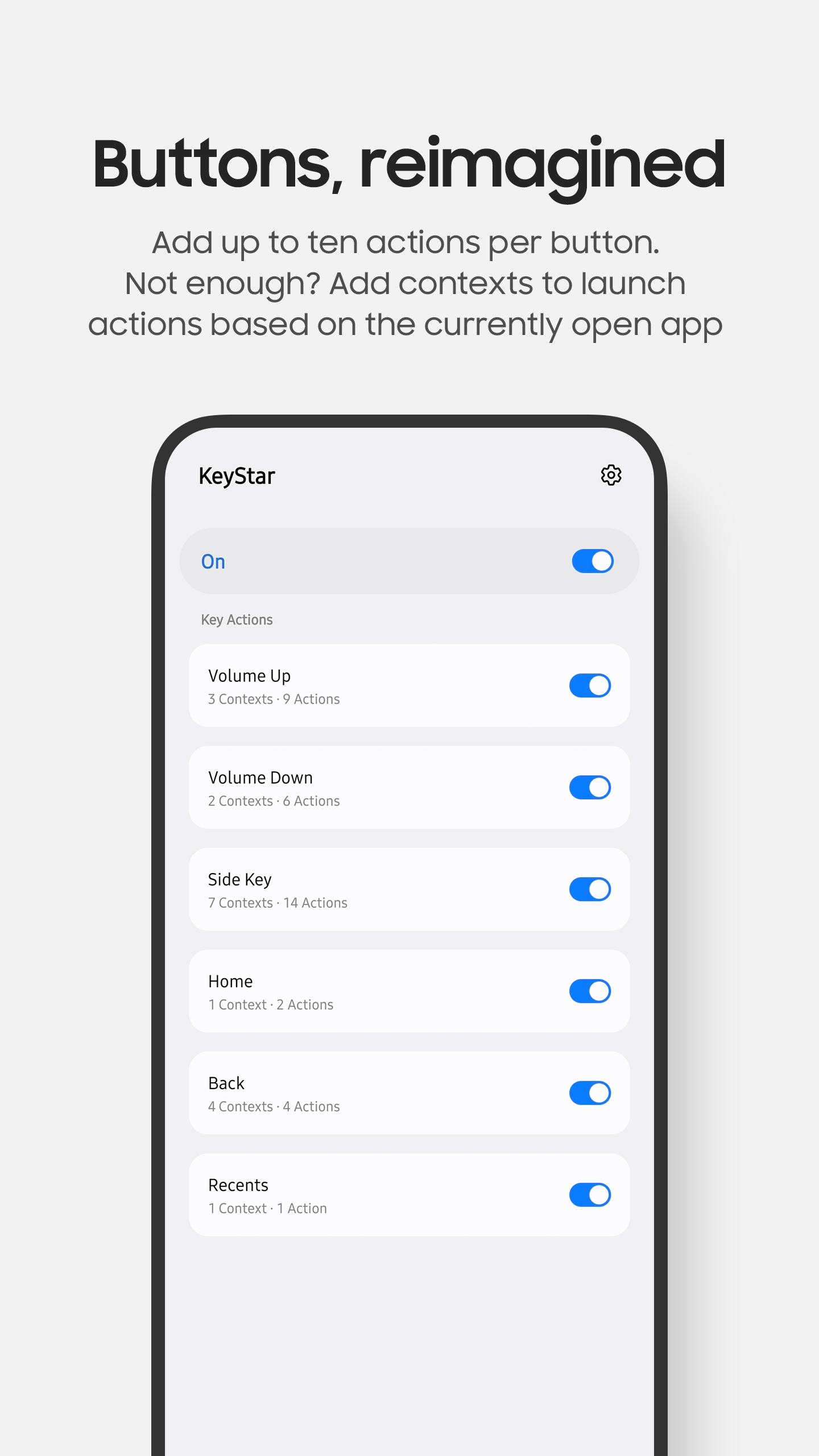
Remap hardware and software buttons.
Description
With KeyStar, you can take total command of your Samsung device's buttons to perform the exact actions you need.
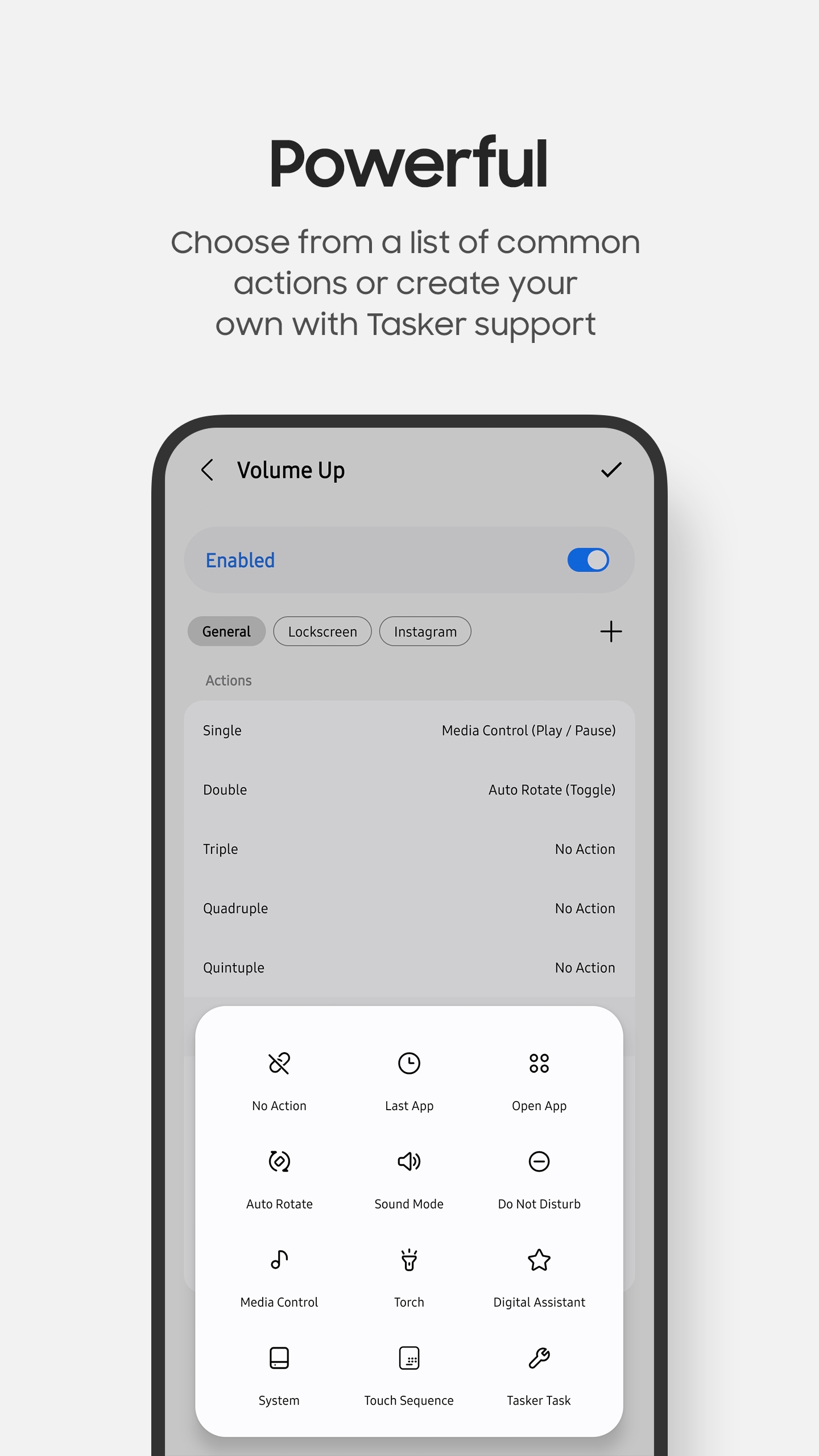
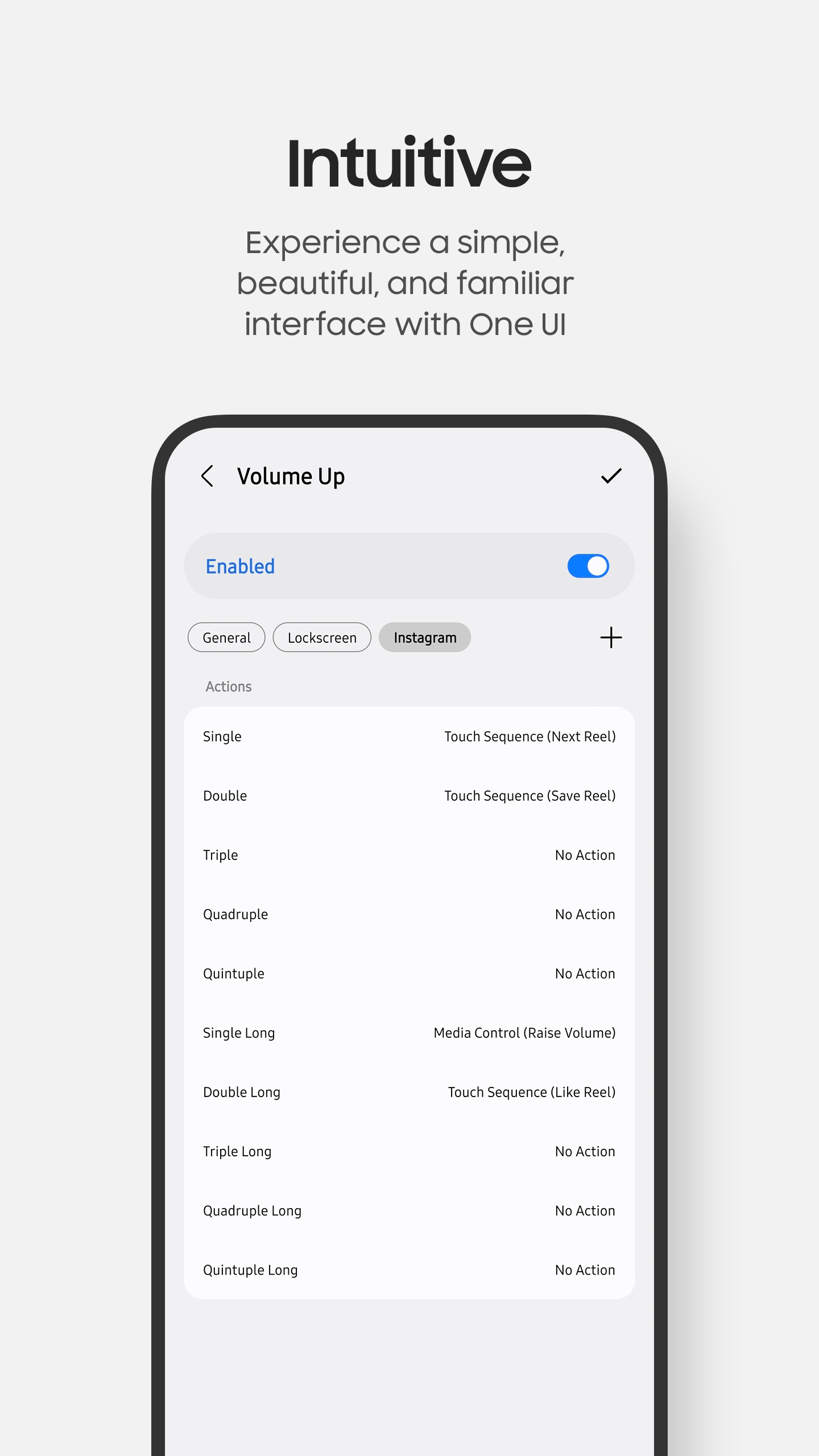
Add up to 10 actions for each button. Not enough? Add contexts to perform a different set of actions based on the currently open app.
Still not enough? Combine KeyStar with Tasker to create your own actions and hotswap configurations on the fly based on your own rules.
Keys
- • Volume Up
- • Volume Down
- • Side Key
- • Home
- • Back
- • Recents
Triggers
- • Single
- • Double
- • Triple
- • Quadruple
- • Quintuple
Short and long press variants are supported for each trigger.
Actions
- • Last App / Open App
- • Auto Rotate
- • Sound Mode
- • Do Not Disturb
- • Media Control
- • Torch
- • Digital Assistant
- • System Actions
- • Touch Sequence
- • Tasker Task

PenStar
Remap S Pen buttons.
Description
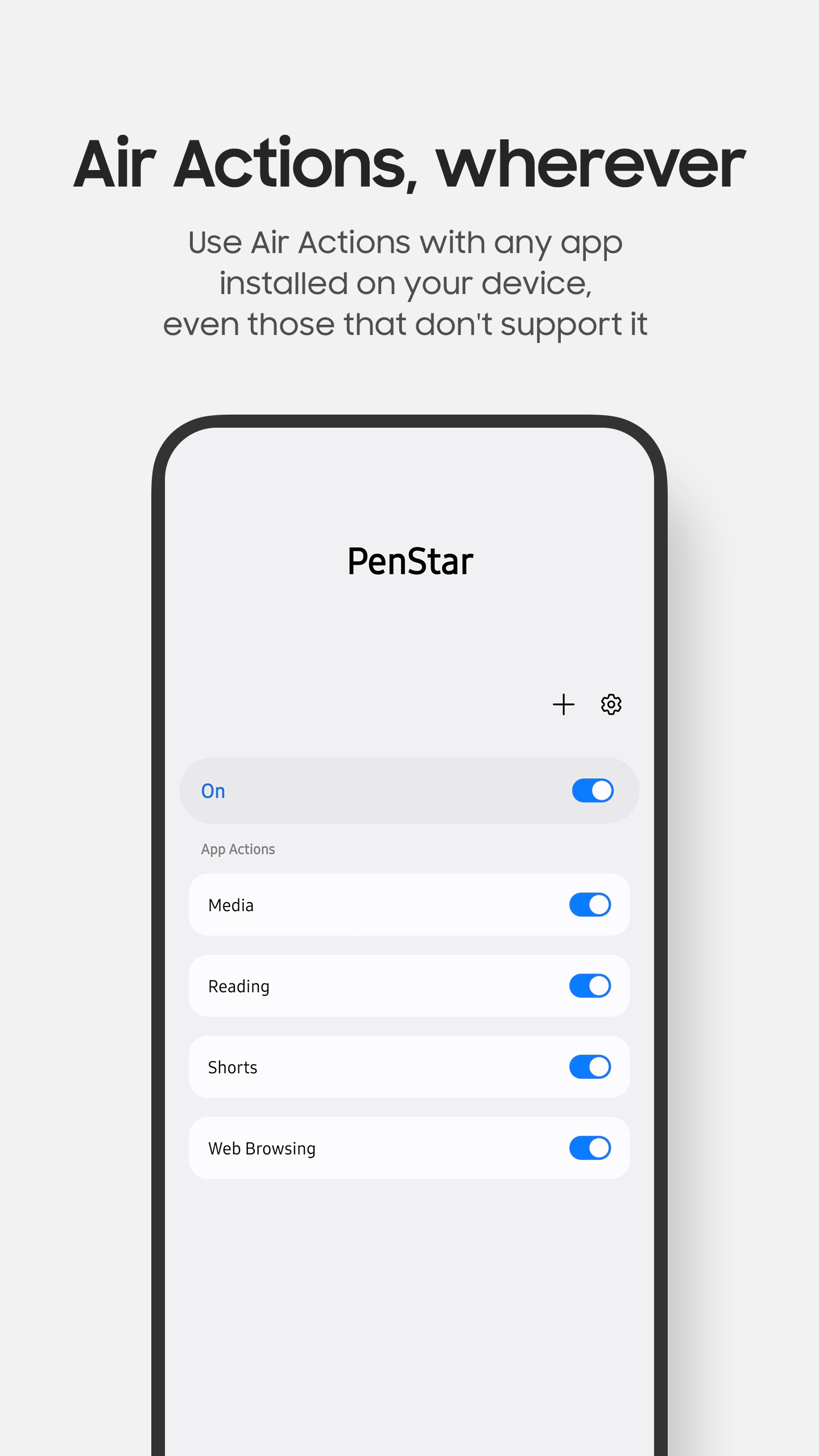
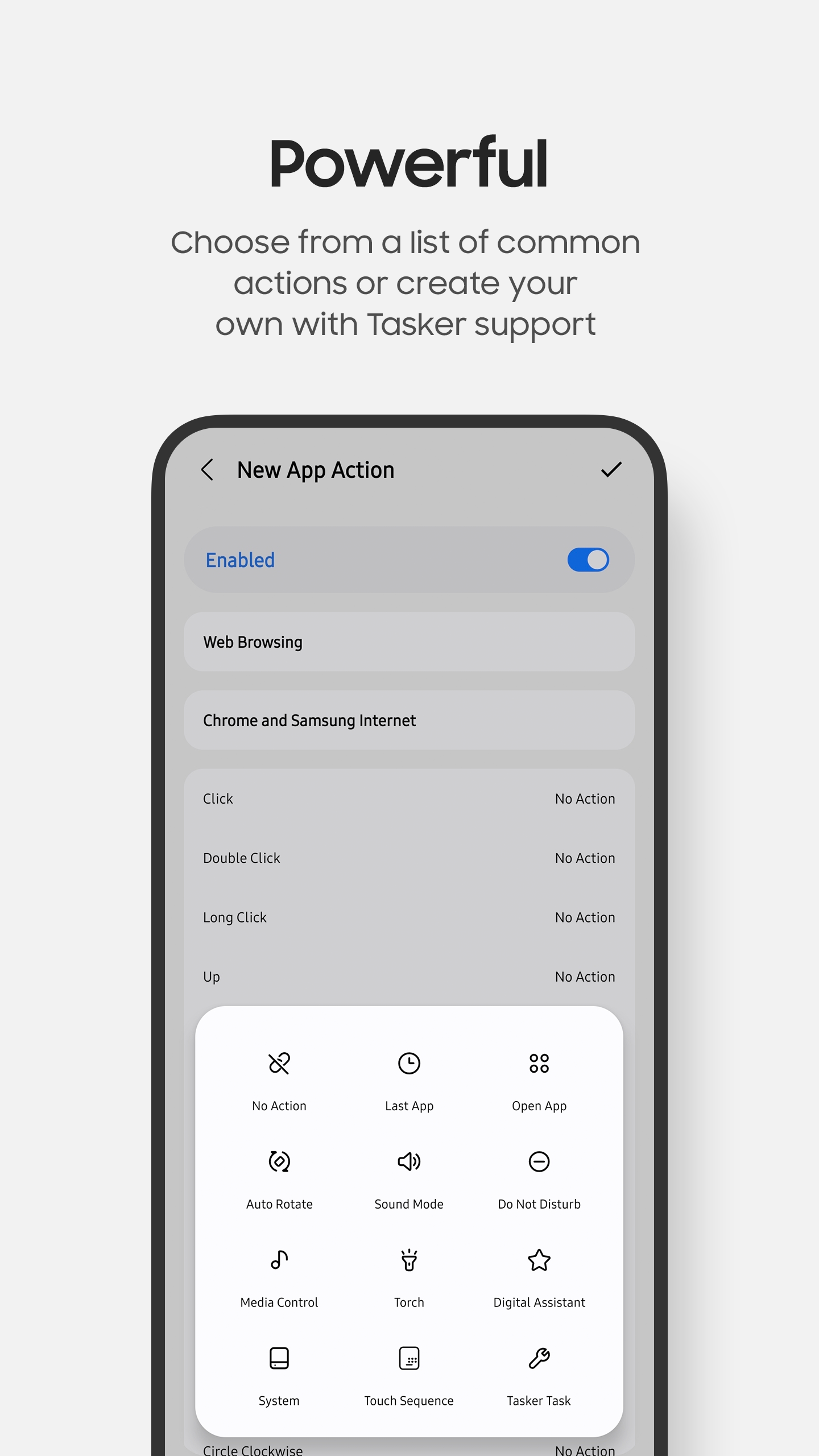
With PenStar, the power of S Pen is in your hands. No longer do you need to depend on developers to implement Air Actions in their apps. You get to customise which S Pen gestures perform which actions in any app.
Whether you're navigating your device, controlling media, or performing your own custom actions, PenStar makes it all possible with just a flick of the S Pen.
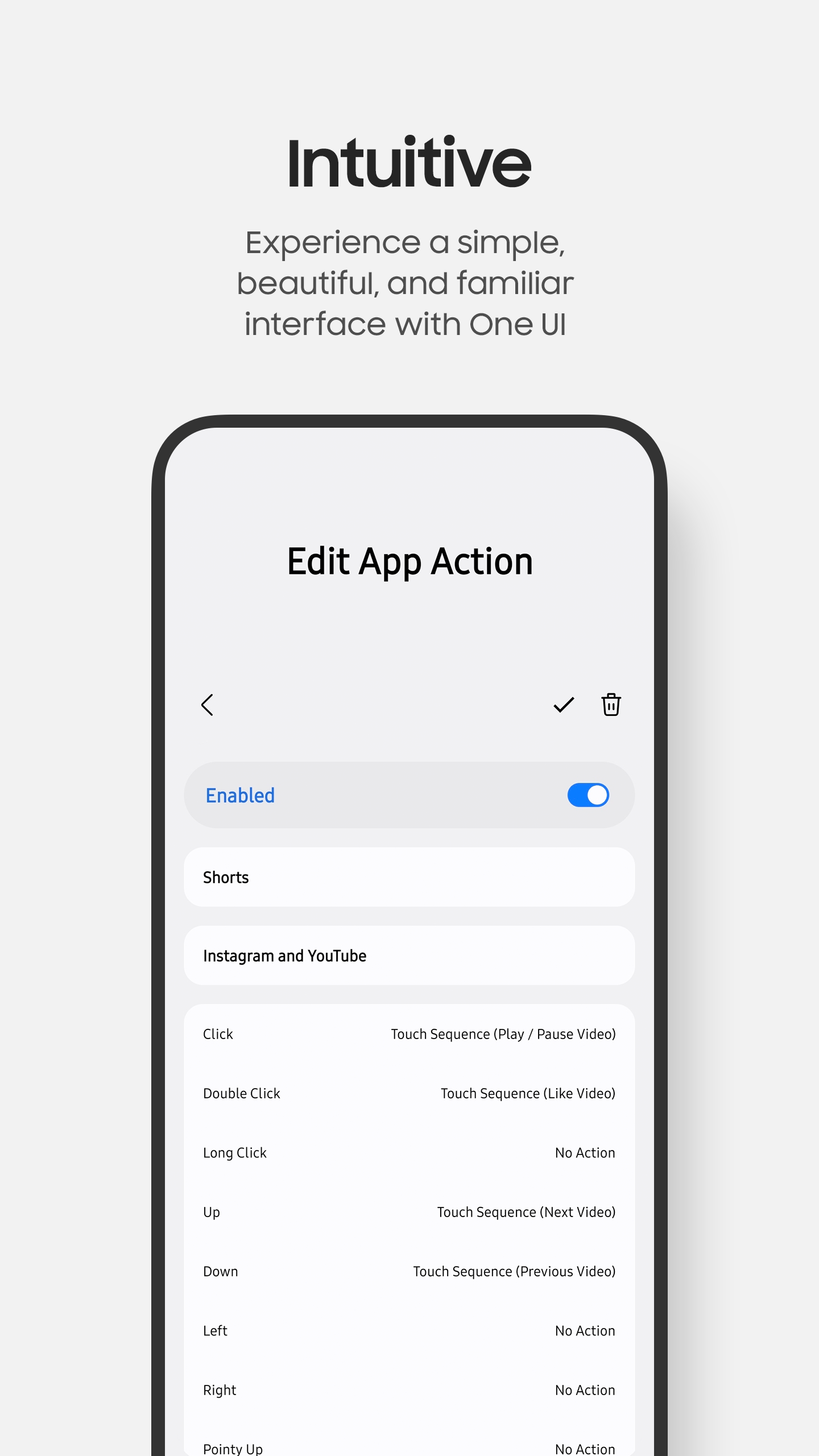
Gestures
- • Single Click
- • Double Click
- • Long Click
- • Left
- • Right
- • Up
- • Down
- • Pointy Left
- • Pointy Right
- • Pointy Up
- • Pointy Down
- • Circle CW
- • Circle CCW
- • Shake
Actions
- • Last App / Open App
- • Auto Rotate
- • Sound Mode
- • Do Not Disturb
- • Media Control
- • Torch
- • Digital Assistant
- • System Actions
- • Touch Sequence
- • Tasker Task